Introduction
We all know that being a TikTok creator comes with its own set of challenges. Between brainstorming ideas, filming, editing, and engaging with your audience, it can be overwhelming to keep up with a consistent content schedule on the platform. That’s where creating a content calendar can come in handy.
What is a Content Calendar?
You might be wondering, what exactly is a content calendar? Well, think of it as a roadmap for your TikTok content. It helps you plan ahead, stay organized, and ensure that you’re consistently posting engaging and relevant content for your audience. In simple terms, it’s a schedule that outlines what and when you’ll be posting on your TikTok account.
Why is a Content Calendar Important?
Having a content calendar is crucial for TikTok creators because it allows you to maintain a consistent presence on the platform. By planning your content in advance, you can avoid any last-minute stress or feeling creatively drained. Plus, it helps you stay accountable and track your progress over time.
How to Create a Content Calendar
Now that we understand the importance of a content calendar, let’s dive into how we can create one as TikTok creators.
Step 1: Set Your Goals
Before jumping into creating your content calendar, it’s essential to define your goals as a TikTok creator. Ask yourself what you hope to achieve with your content – whether it’s increasing your follower count, driving more engagement, or showcasing your creativity. Your goals will guide the type of content you create and how often you post.
Step 2: Know Your Audience
The key to creating engaging content on TikTok is knowing your audience inside out. Take some time to understand who your viewers are, what they like, and what kind of content resonates with them the most. This information will help you tailor your content calendar to cater to your audience’s preferences.
Step 3: Brainstorm Content Ideas
Get together with your team or brainstorm ideas on your own for content that will resonate with your audience. Think about trending challenges, viral sounds, or topics that are relevant to your niche. By brainstorming content ideas in advance, you’ll have a pool of ideas to pull from when planning your content calendar.
Step 4: Choose Posting Frequency
Based on your goals and audience preferences, decide how often you’ll be posting on TikTok. It’s essential to find a balance between posting frequently enough to stay relevant and not overwhelming your audience with content. Whether it’s daily, every other day, or weekly, choose a posting frequency that aligns with your goals.
Step 5: Create Your Calendar
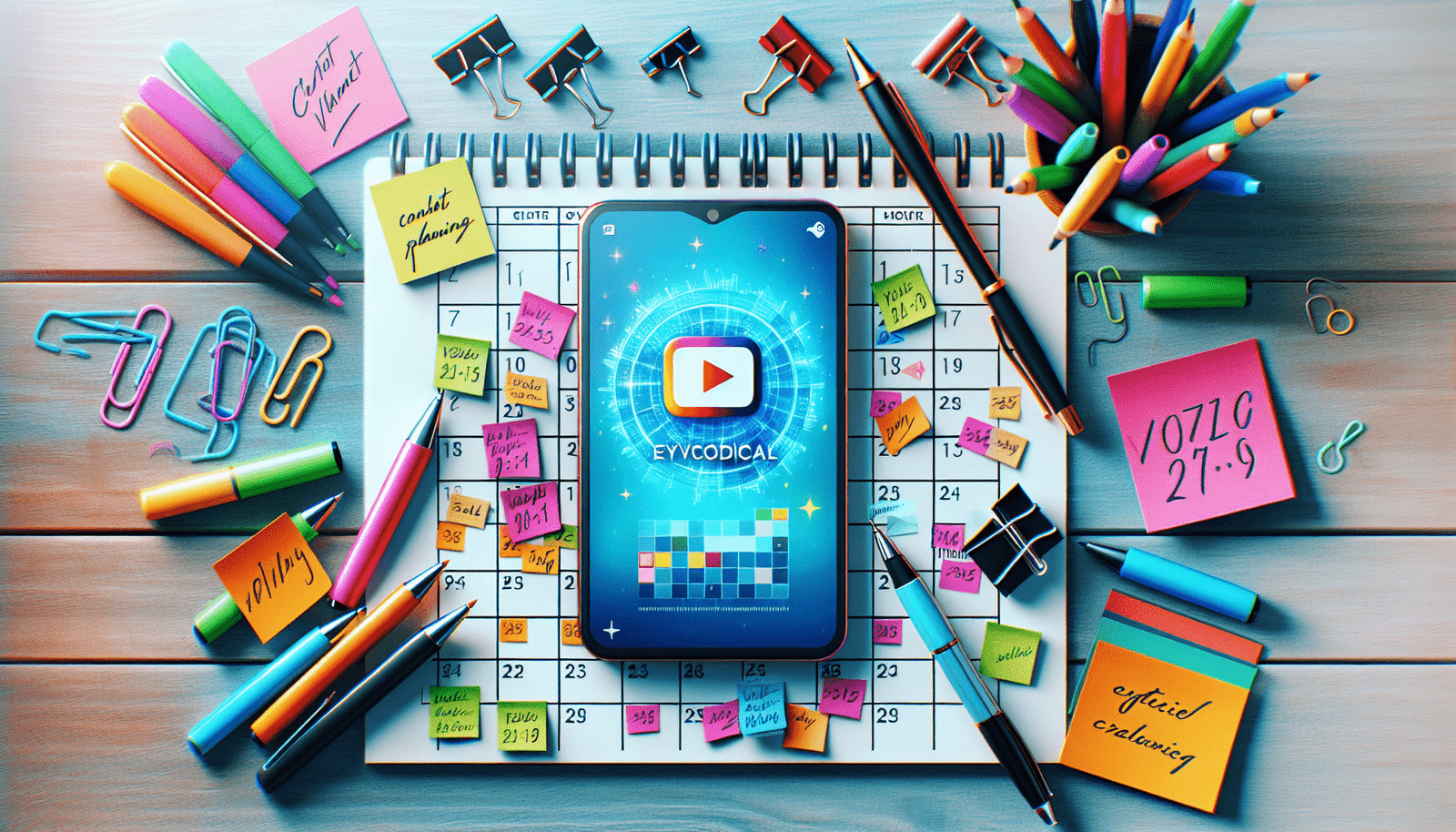
Now comes the fun part – creating your content calendar! You can use tools like Google Sheets, Excel, or even online calendar platforms to map out your content schedule. Include columns for date, time, content type, and any additional notes you want to add for each post. Having a visual representation of your content plan will help you stay organized and on track.

Tips for Maintaining Your Content Calendar
Creating a content calendar is one thing, but sticking to it is a whole different challenge. Here are some tips to help you maintain your content calendar effectively.
Be Flexible
While it’s essential to have a content calendar, don’t be afraid to adjust it as needed. If a new trending challenge pops up or you want to capitalize on a viral trend, feel free to shuffle your content plan around. Being flexible allows you to stay relevant and adapt to the ever-changing landscape of TikTok.
Batch Create Content
To save time and ensure you have a consistent stream of content, consider batch creating your TikTok videos. Dedicate a day or two to film multiple videos at once so that you have a backlog of content ready to go. This way, you won’t feel pressured to create content last minute, and you can maintain a steady posting schedule.
Analyze Your Results
Regularly review your TikTok analytics to see how your content is performing. Pay attention to metrics like views, likes, shares, and comments to understand what type of content resonates with your audience. Use this data to fine-tune your content calendar and make adjustments to optimize your engagement.

Tools to Help You Create a Content Calendar
Now that we’ve covered the basics of creating and maintaining a content calendar, let’s explore some tools that can make the process easier for TikTok creators.
Content Planning Tools
There are various content planning tools available that can help you organize and schedule your TikTok content seamlessly. Tools like Later, Planoly, and Trello allow you to plan, schedule, and preview your posts in advance, ensuring a smooth content creation process.
Analytics Platforms
Utilize analytics platforms like TikTok Pro, Creator Studio, or third-party apps to track your performance metrics and gain insights into your audience’s behavior. These platforms provide valuable data that can help you make informed decisions about your content strategy and posting schedule.
Social Media Schedulers
Consider using social media scheduling tools like Buffer, Hootsuite, or Sprout Social to automate your content posting across multiple channels. These tools allow you to schedule posts in advance, monitor engagement, and manage all your social media accounts from a single platform.
Final Thoughts
Creating a content calendar as a TikTok creator is a valuable strategy for staying organized, consistent, and engaging with your audience. By setting goals, knowing your audience, and planning your content in advance, you can elevate your TikTok presence and grow your following over time. So grab a calendar, brainstorm some content ideas, and start mapping out your content strategy today!